Beta Made for the Corsair Xeneon Edge. Works on any display.
Give your second screen something to do
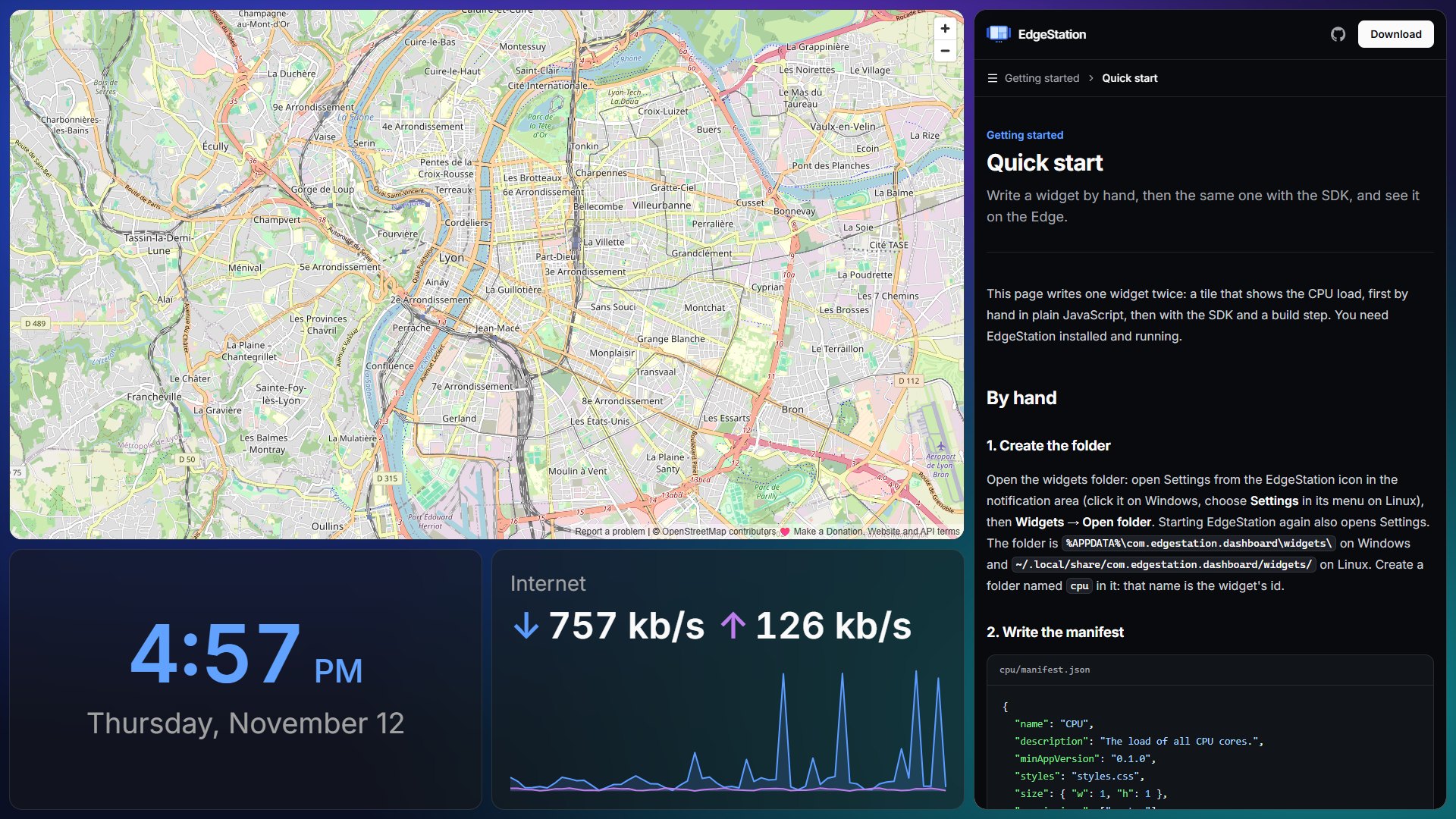
EdgeStation fills a secondary display with swipeable pages of widgets: the time, how hard your PC is working, what's playing, your to-dos, app shortcuts and whole web pages.
For Windows and Linux
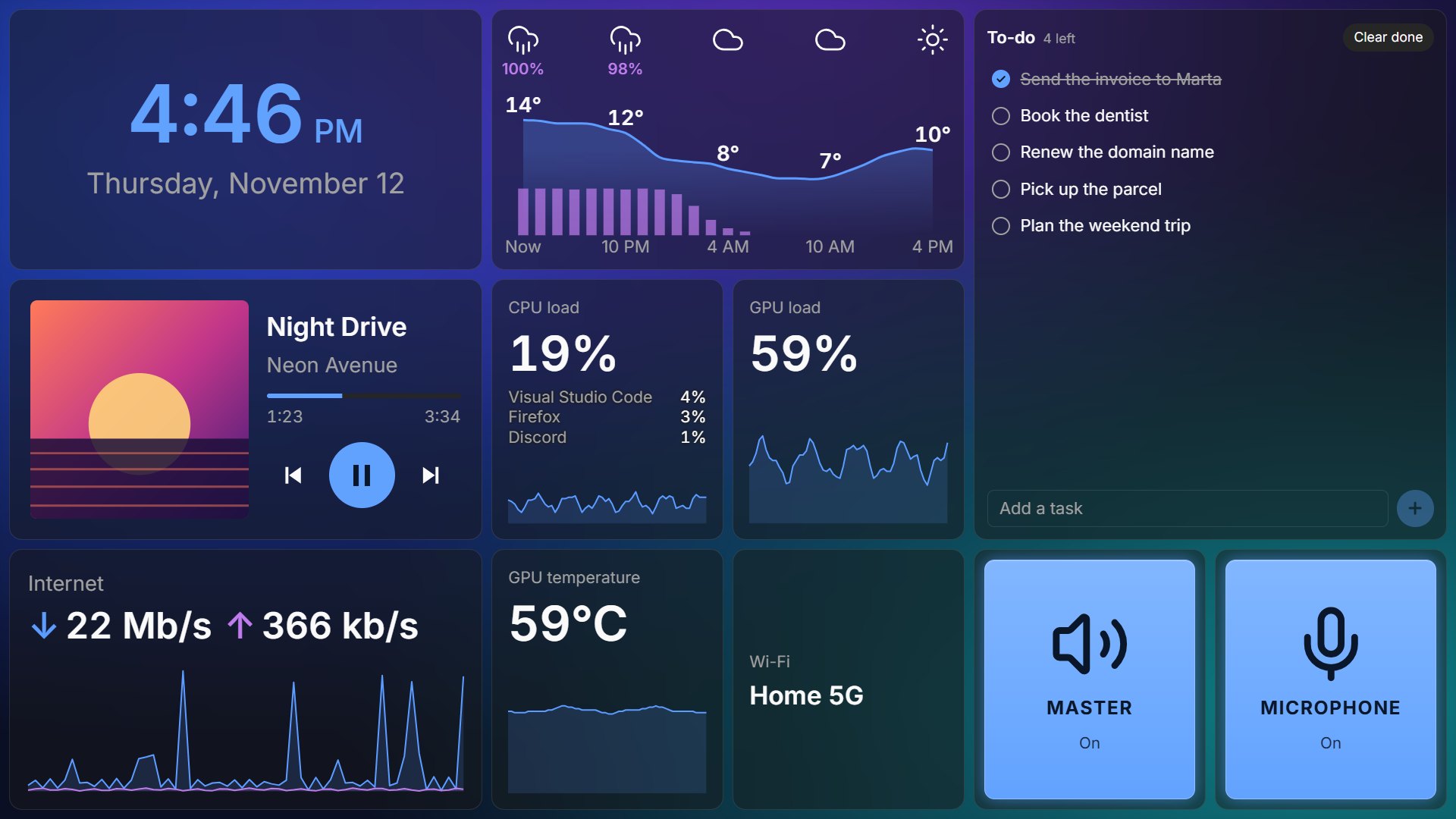
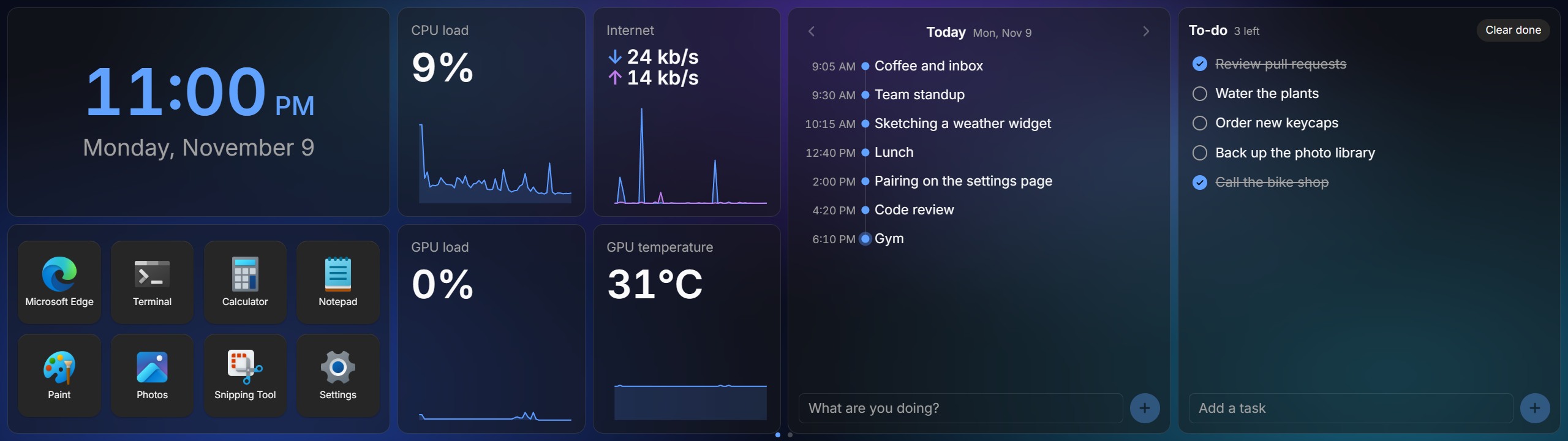
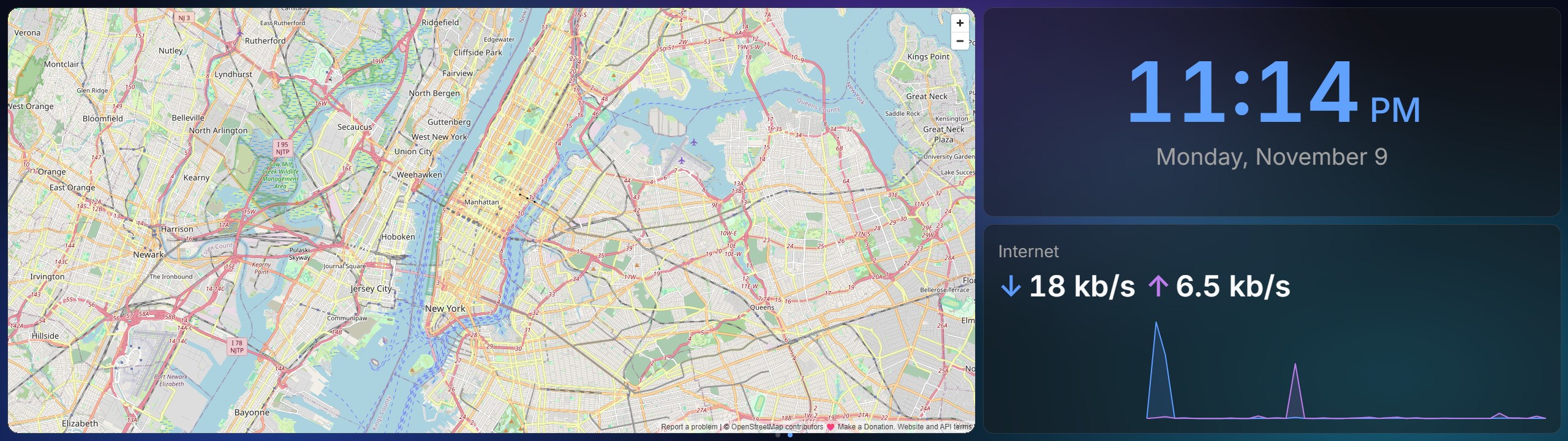
On the Edge (2560 × 720) and on a normal monitor (1920 × 1080).
Always on, on the Edge
Full screen on your secondary display, with swipeable pages of widgets.
Set up from the tray
Click the tray icon to open Settings and arrange your pages.
Touch, mouse or keys
Swipe between pages with two fingers, scroll over the page dots, or use global shortcuts.
Pages
Lay out pages on a grid
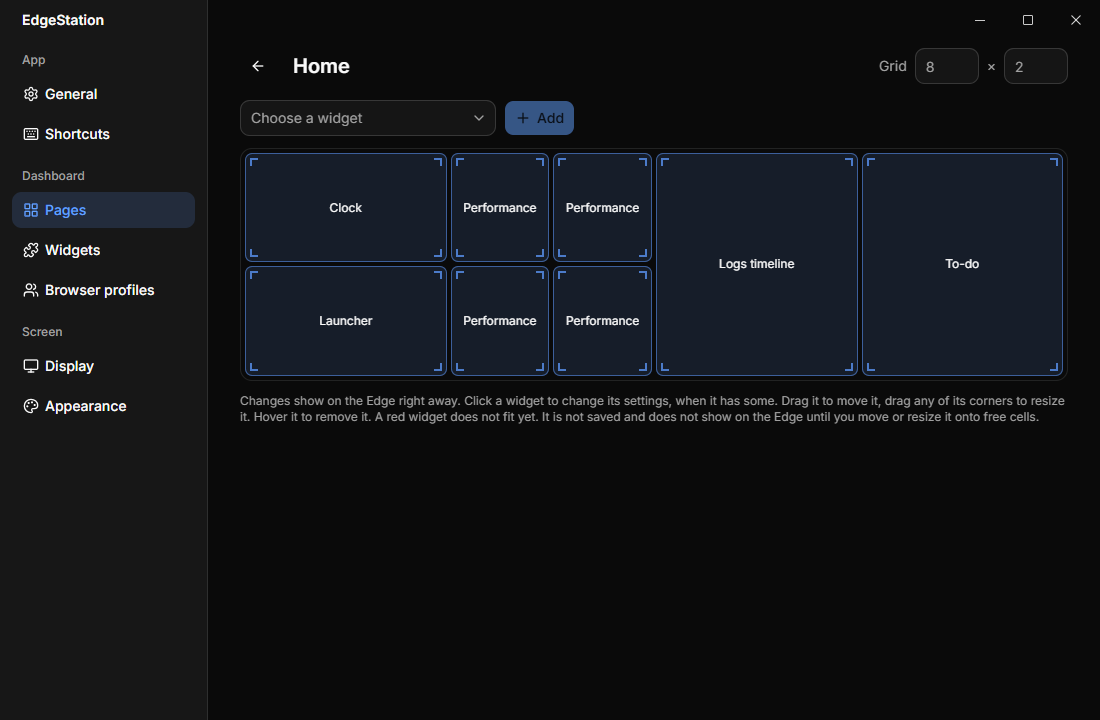
Each page is its own grid: pick how many columns and rows, add widgets, drag one to move it, drag a corner to resize it. The Edge follows as you go.
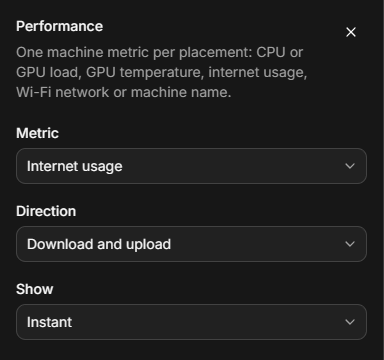
- Per-widget settings. Click a widget to set it up, say which metric or how many rows of keys.
- Your way of swiping. Pages side by side or stacked, sliding or fading into each other.
- As many copies as you like. Place a widget twice, each with its own settings.
Web widgets
Any web page, as a widget
The URL and YouTube widgets show sites in a native browser view, so even the ones that refuse to be embedded work. Follow a link and a Home button takes you back. A mobile layout fits narrow cells.
Browser profiles
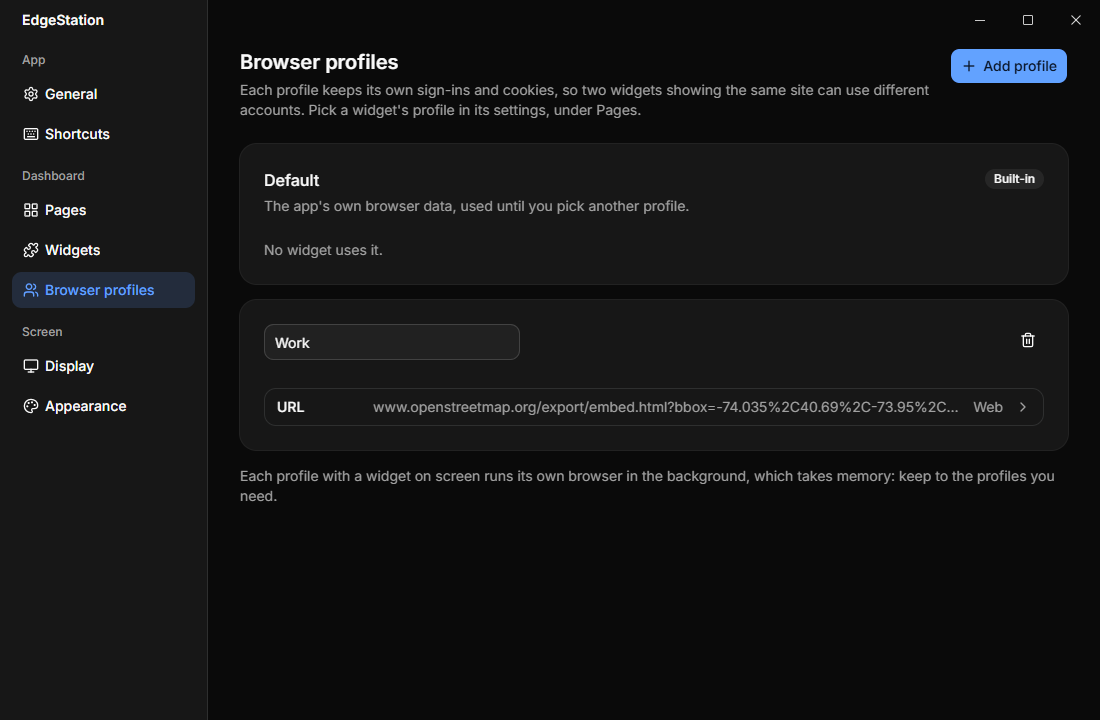
Each profile keeps its own sign-ins and cookies, so two widgets can show the same site with different accounts: your work calendar next to your personal one. Sign-ins last across restarts.
Mixer
Every app's volume, at a touch
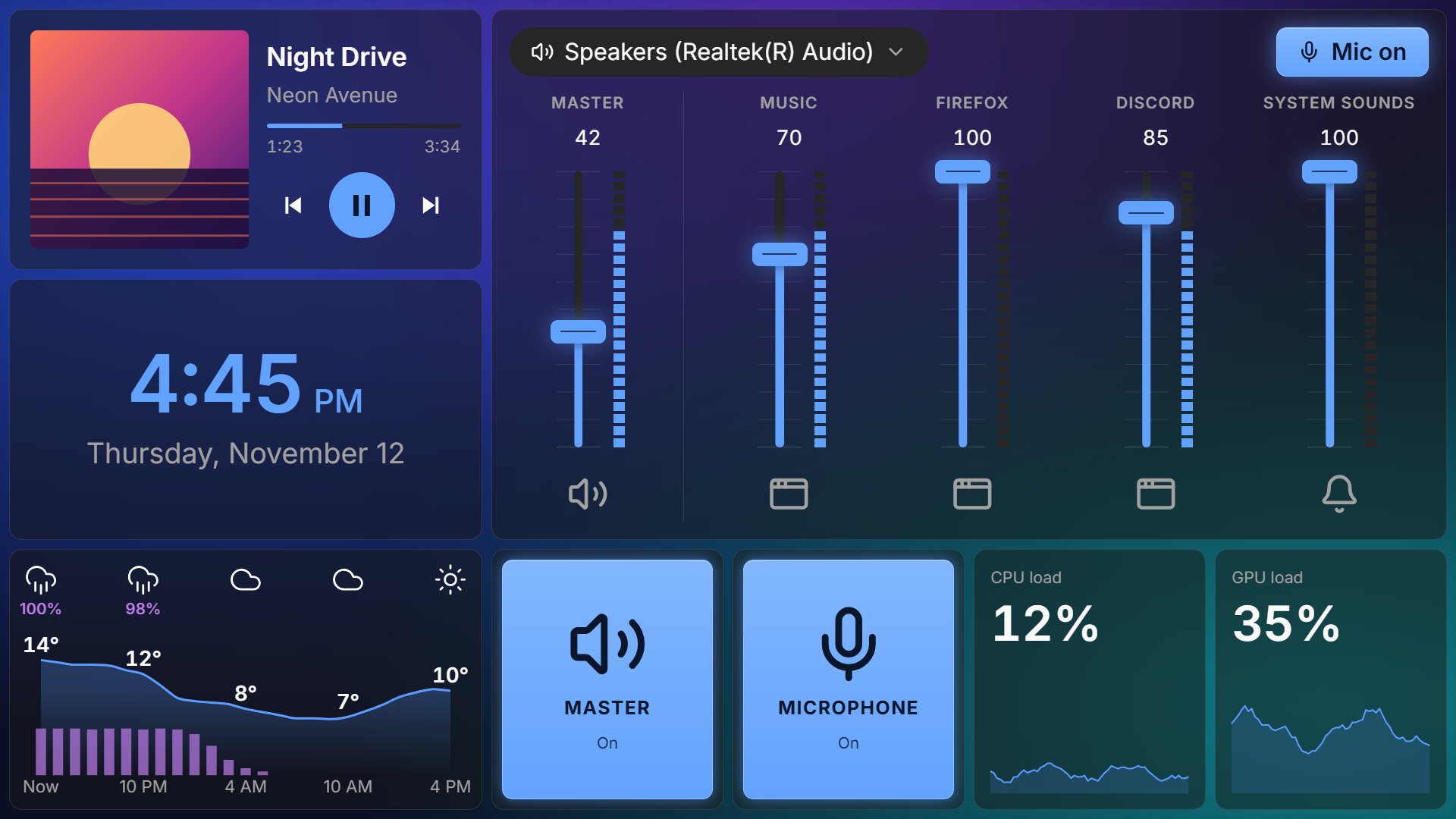
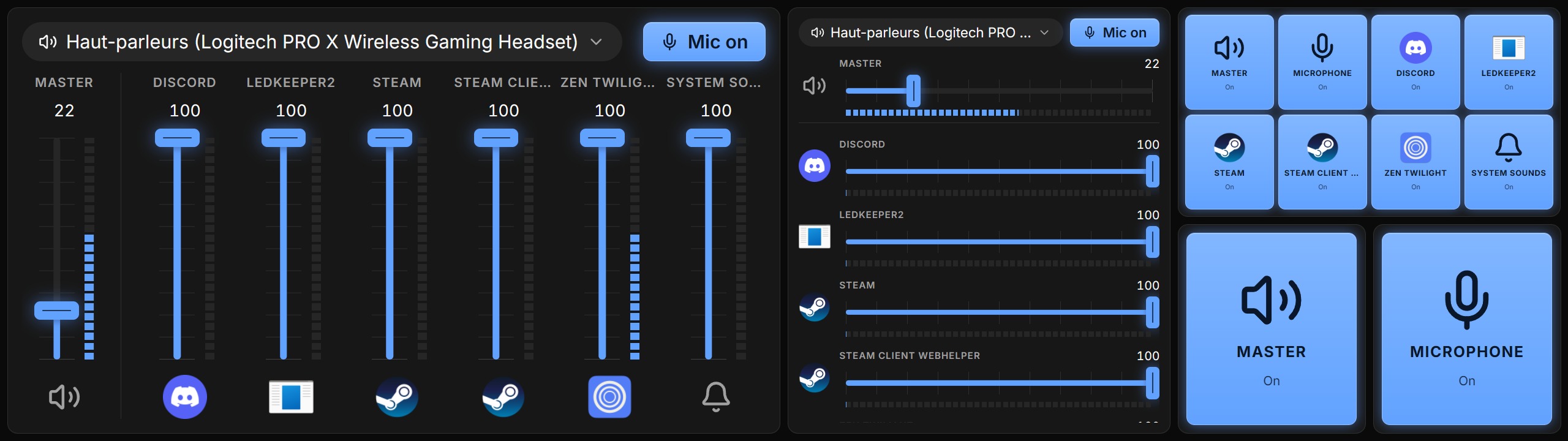
Faders with live level meters for the master, your microphone and each app playing sound. They stand up in a wide cell and lie across in a tall one, or give way to mute buttons: every channel at once, or one per placement. Tap an icon to mute it, the output's name to switch device, and Mic on to mute your microphone in every app. Or make it an output selector: a button for each output device, with the active one lit.
Appearance
Make it yours
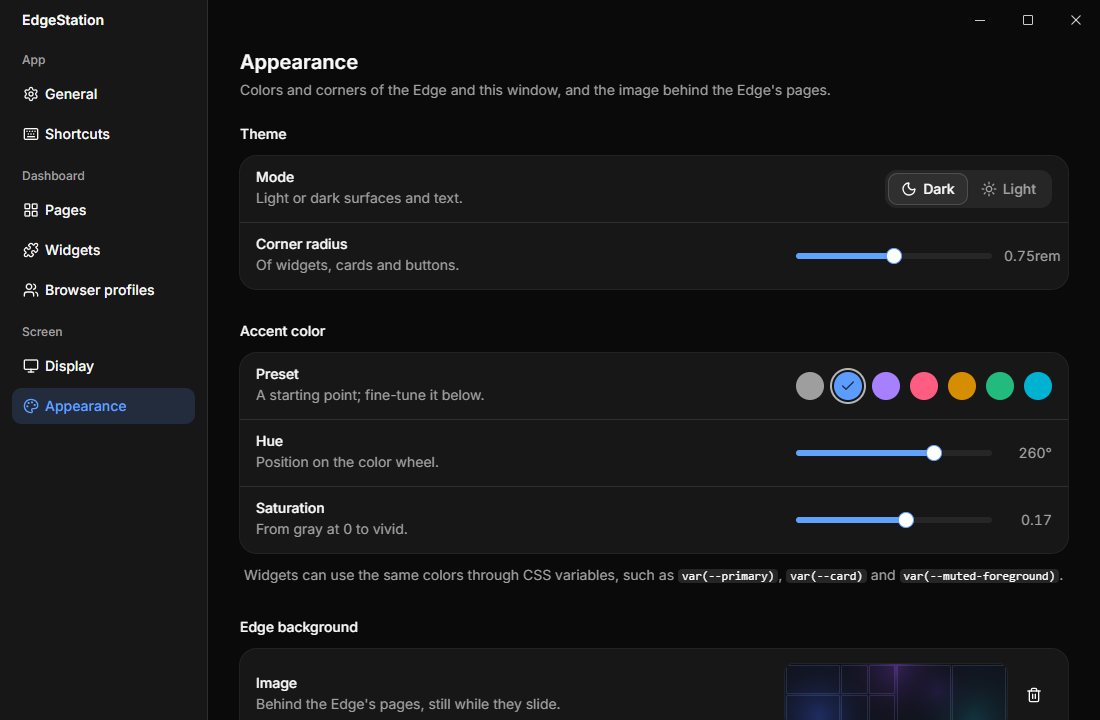
Dark or light, an accent color from a preset or fine-tuned by hue and saturation, and the corner radius of every card. Put an image behind the pages, still while they slide, and give the widget cards a frosted glass look.
Widgets follow the theme too, through the same CSS variables the app uses.
Any display
Made for the Edge, at home anywhere
EdgeStation takes the first secondary display, or the one you pick. Any size, shape or orientation works, with or without touch, and widgets lay themselves out in their cell.
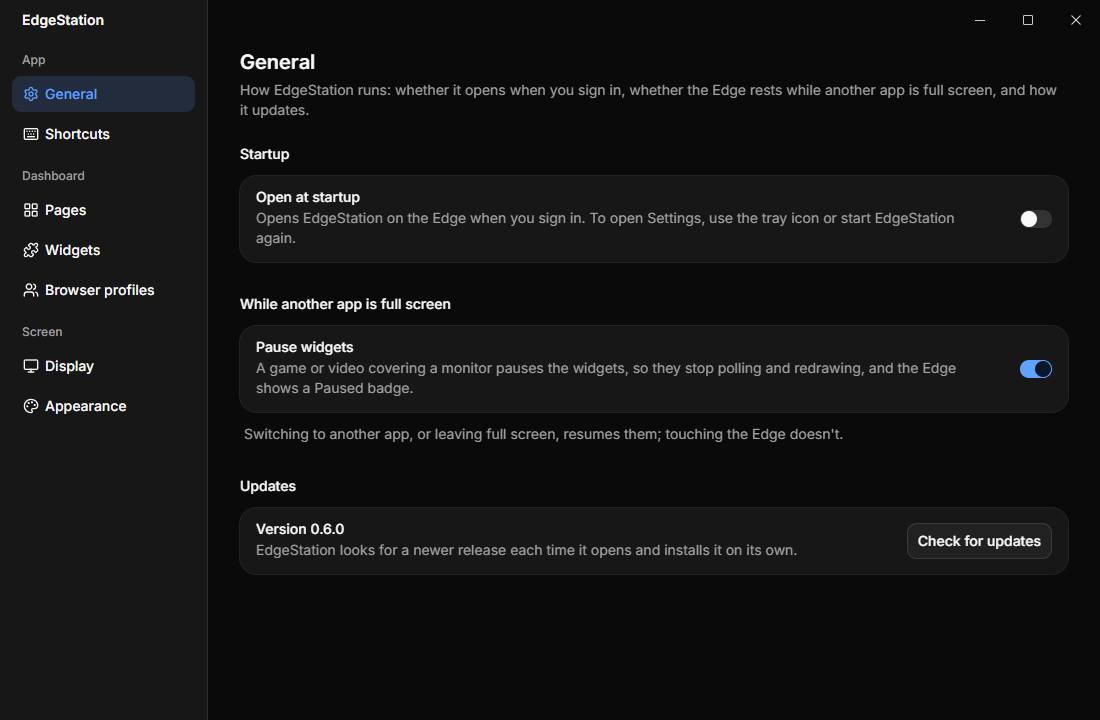
Out of the way while you play. When a game or video goes full screen, widgets pause and the Edge shows a Paused badge. Switch apps and they carry on.
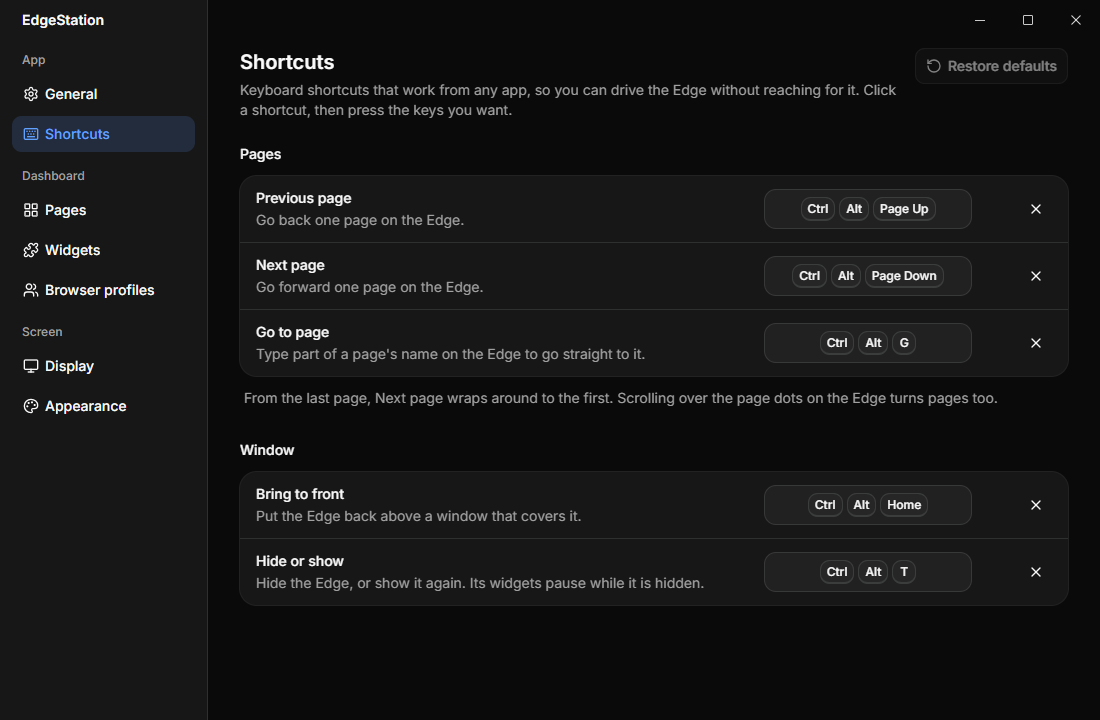
Shortcuts from any app. Turn pages with Ctrl Alt Page Up / Page Down, type a page's name after Ctrl Alt G to go straight to it, and bring the Edge back to the front with Ctrl Alt Home, or record your own.
Widgets
10 built in, more to add
Settings has a marketplace built in: browse the widgets others publish, install one in a click, and update it when you choose.
Clock
The time and date, in 12 or 24 hours and the date format you like.
Weather
The next 24 hours as a temperature curve over the chance of rain, the temperature now, or today in detail.
Performance
CPU or GPU load, memory usage, GPU temperature, internet usage with averages, the top programs, the Wi-Fi network or the machine name.
Media
What's playing (Spotify, YouTube, ...) with album art, progress and controls.
Mixer
Volume faders with level meters, or mute buttons only: every channel, or one per placement.
Launcher
Keys that open apps from the Start menu or the app menu, like a Stream Deck, on your main screen.
To-do
A to-do list: type a task, tap it to check it off, clear the done ones.
Logs timeline
Type what you are doing and it joins a timeline of your day. Browse earlier days.
URL
Any web page, in a real browser view. Sign-ins last across restarts.
YouTube
YouTube, opening on your Subscriptions. Sign in once inside it.
Light by design
Always on, never in the way
A dashboard runs all day, so EdgeStation keeps its footprint small.
Read on demand
CPU, GPU and network are read when a widget asks. Nothing monitors in between.
Off screen, on hold
Widget timers wait while their page isn't shown, and while a game is full screen.
Contained failures
Each widget runs within its own boundary. If one fails, the error stays in its tile and EdgeStation keeps running.
Developers
Write your own widget
A widget is a folder with a manifest.json and a JavaScript module, loaded at
runtime like a plugin. Write it by hand, or with @edgestation/sdk: TypeScript types, adapters for Svelte, React and Vue, a Vite
plugin that builds it, and a schema for the manifest.
api.system()api.topPrograms()api.mediaapi.audioapi.appsapi.storageapi.webview()api.every()api.settingsexport default {
mount(el, api) {
api.every(1000, async () => {
const { cpu } = await api.system();
el.textContent = `${Math.round(cpu.load)} %`;
});
}
};